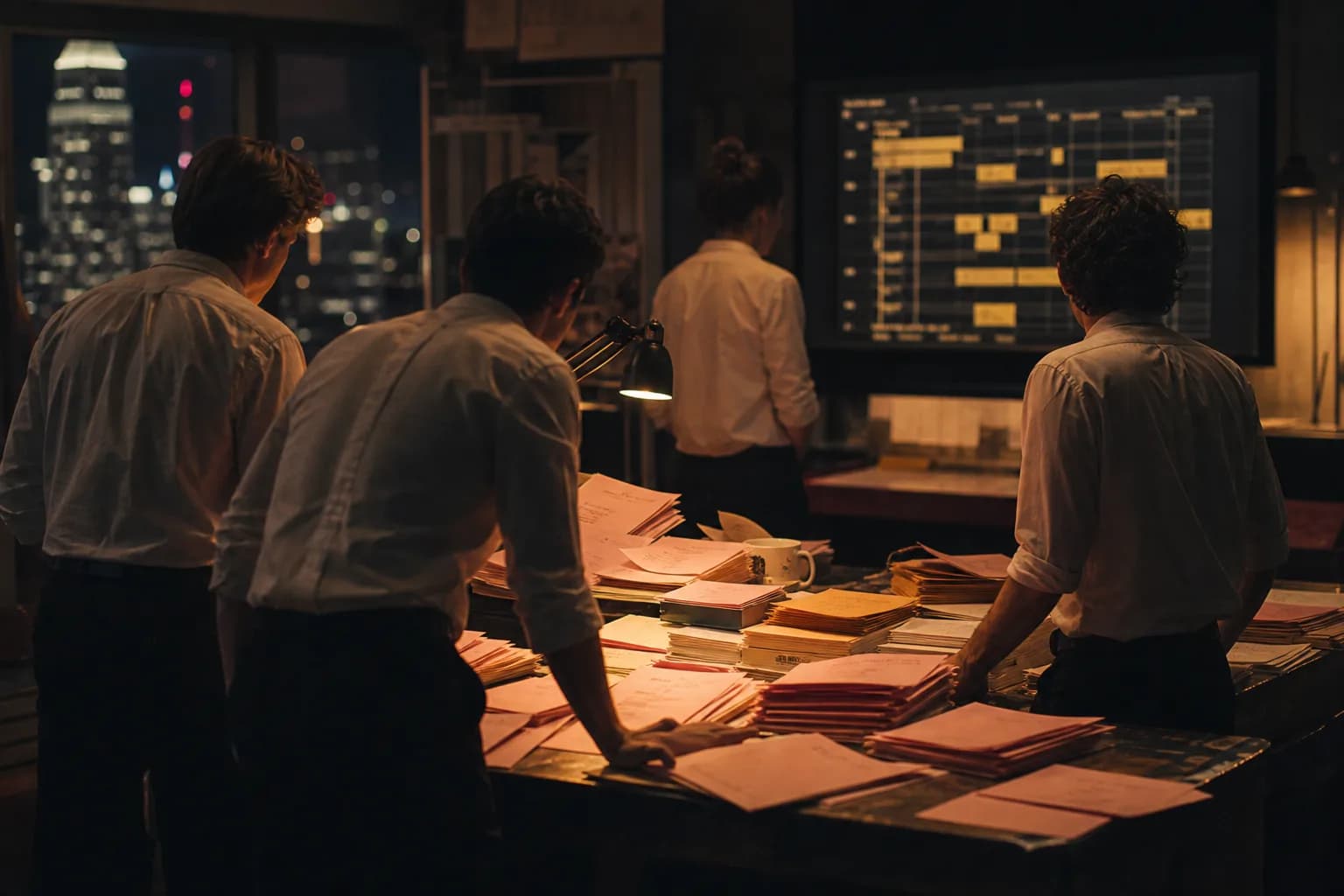

Monday, 9:05 a.m. A development exec has three scripts on her desk and one open slot on the slate. The meeting is Thursday. Everyone in that room will have an opinion about which script is best. Nobody will have a number.
She knows what an honest answer takes. Coverage on all three. A breakdown on all three. A rough board, because a script with thirty night exteriors is a different movie than one that lives in a kitchen. A baseline budget, so "the contained one" can be proven contained. That's a week of work for a team she doesn't get until something is greenlit. Which is the joke of development: you need the plan to get the greenlight, and the greenlight to pay for the plan.
So she does what everyone quietly does. She pastes a few pages into a chat window and asks what it would cost to shoot. The chat answers right away, with total confidence and nothing behind it. It has never seen a stripboard. It made up a number and rounded it nicely.
Until now, that was the deal. The chat could talk about a production. It couldn't touch one.
That's what changes today. RivetAI now works inside Claude and ChatGPT. You add RivetAI once, sign in, and your AI app can do real production work in your real workspace. Upload the script. Run the breakdown. Build the stripboard. Create a baseline budget from a template and read back the topsheet against your target. Run coverage on the same project while you're at it. Then do it again for the other two scripts, in the same conversation, and ask for all three side by side.
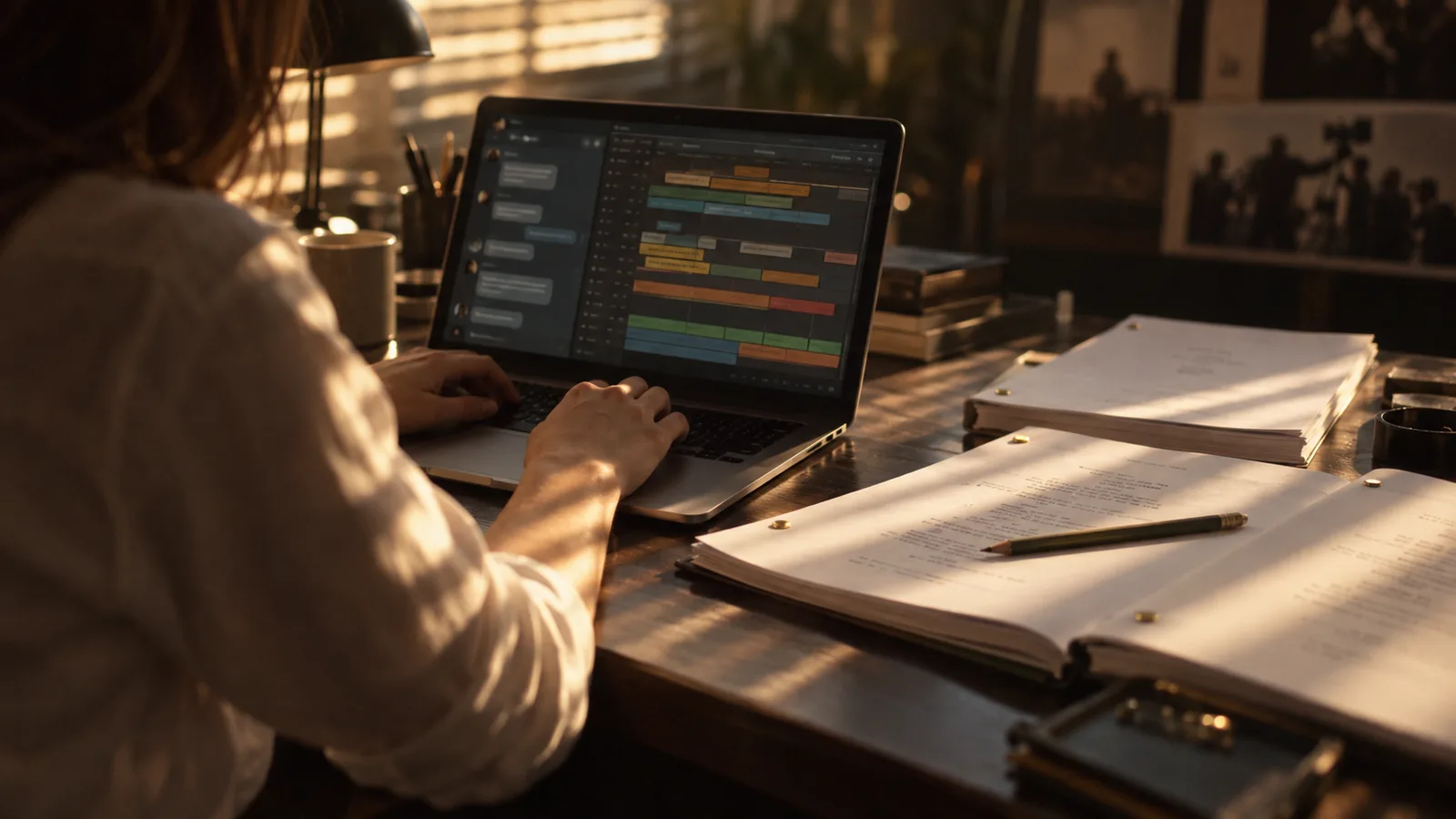
The part that matters is where the work lands. It doesn't live in the chat. Every ask becomes actual RivetAI work: a project, a breakdown, a board, a budget your team can open in the app. So on Thursday she isn't defending a number a chatbot invented. She's opening three real projects, and the one that gets the slot already has its first board.
And yes, it's the same pipeline we keep writing about. One screenplay, everything else attached to it. We didn't build a chatbot that does a rough impression of a line producer. We gave your AI app the keys to the tools a line producer already trusts, and then we made sure you decide which keys.
The Enterprise Stakes?#
At the studio level, the first question isn't "can the AI build a stripboard." It's "what exactly did we just let into the building."
Fair. So here's how the connection works. When you add RivetAI, you sign in with your own account. You pick one workspace. Then you pick what the AI app is allowed to do: view projects, create and edit, run AI features, archive and delete. That last one is never checked for you. If you want an assistant that can read the board but can't move a strip, that's one checkbox.
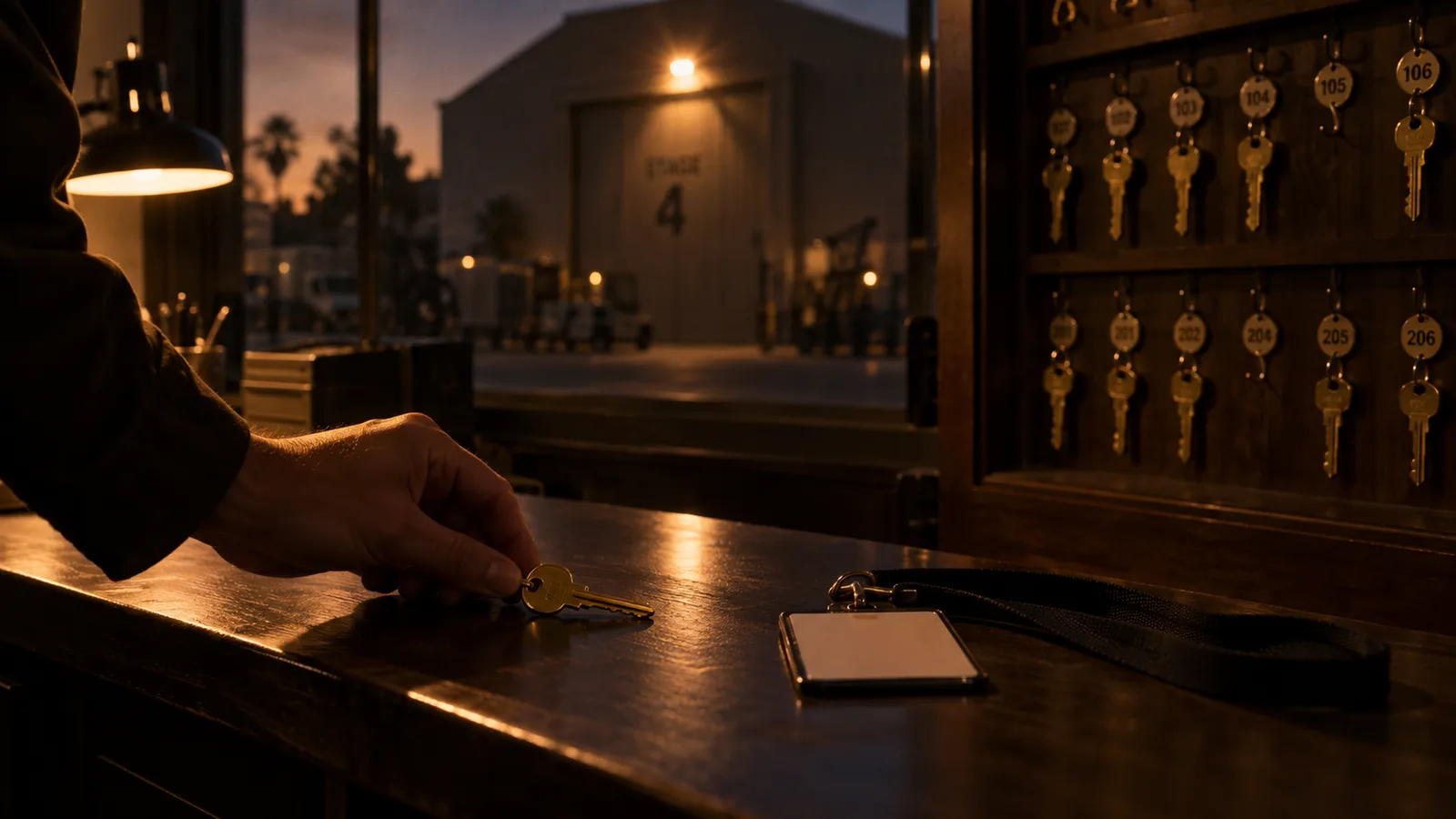
The connector itself keeps nothing. No copy of your script, no copy of your budget. It passes each request to RivetAI, RivetAI checks that you still have the permission, and the work happens where it always happened. Every connection is approved, used, and revoked on the record, in your workspace activity log. When you're done, you disconnect from Workspace Settings, under Connections, and the access is gone. Admins can see and revoke every connection in the workspace.
So when legal asks who created that budget and when, the answer is a name and a timestamp, not a shrug.
How to Turn It On#
- In Claude or ChatGPT, open your connector or app settings and add RivetAI.
- Sign in to RivetAI when it asks.
- Choose your workspace and what the app is allowed to do.
- Ask it the way you'd ask a coordinator. "Upload these three scripts as separate projects. Run coverage and the breakdown on each. Then give me shoot days, night count, and a baseline budget for all three, side by side."
Two practical notes. Scripts go up as PDF or FDX. And connecting your own workspace needs a Studio or Enterprise licensed project, since AI runs spend the same project credits they spend in the app.
Our goal isn't to automate the taste. The assistant can tell you the warehouse scene costs a night premium. It can't tell you whether the warehouse is worth it. That call is still yours, and it should be. What we're taking off your plate is the part where you retype Scene 14 into a chat window so an AI can guess at what RivetAI already knows.
TL;DR - A chat that can't touch your production is a very confident intern with no badge. Now it has a badge, you chose what it opens, and everything it does lands in the same workspace your team already works from. Add RivetAI in Claude or ChatGPT and ask for the board.